

Configuration
Configure the Service Area WIZARD plugin with your API token, email settings, brand colours, and service area.
Configuration
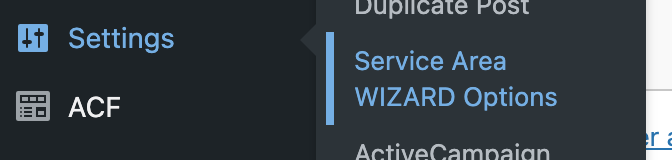
Access "Service Area WIZARD Options" from the Settings menu to configure the plugin.
Plugin Settings
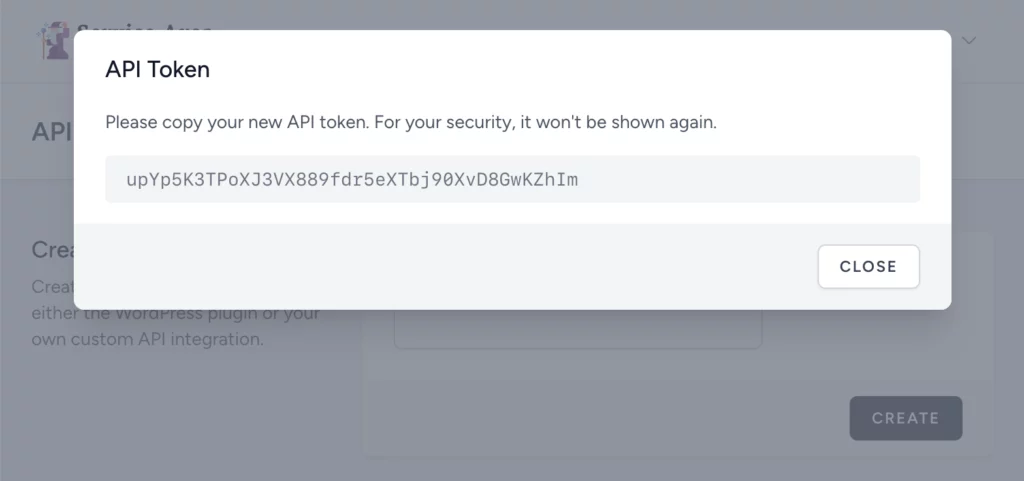
- API Token — Generated from your Service Area WIZARD account. Visit the API Tokens page in your account, create a token with any name, copy it, and paste into the plugin options.
- From email address — The sender email address for contact form emails
- Email signoff — Text displayed at the bottom of the customer notification email
- Button colours — Customise the button background and text colours to match your brand
- Country selection — Choose between UK Postcode, USA Zip code, or AUS Postcode
Generate API Token
Visit the API Tokens page in your Service Area WIZARD account, create a token with any name, copy it, and paste into the plugin options.
Set Service Area
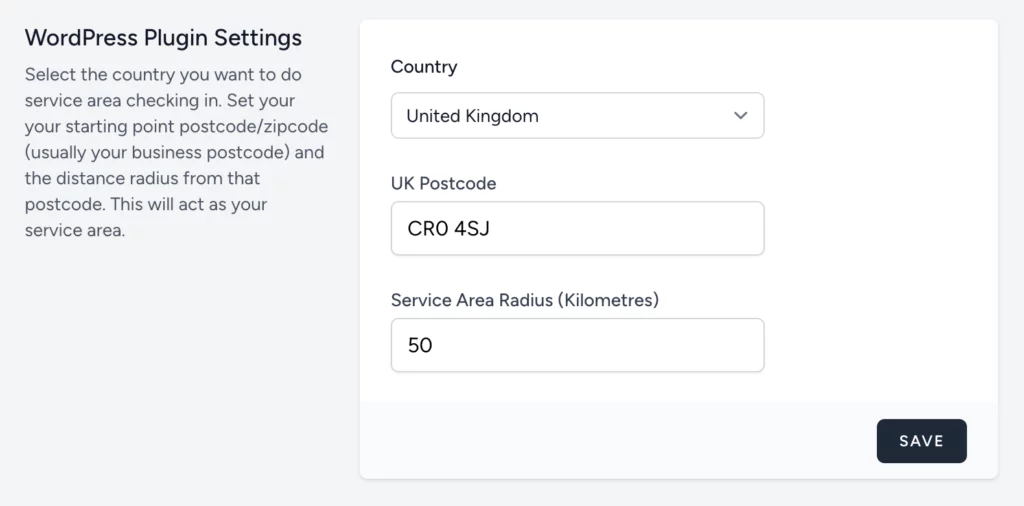
In your Service Area WIZARD account, enter your country, postcode/zip code, and desired service area radius in kilometers.
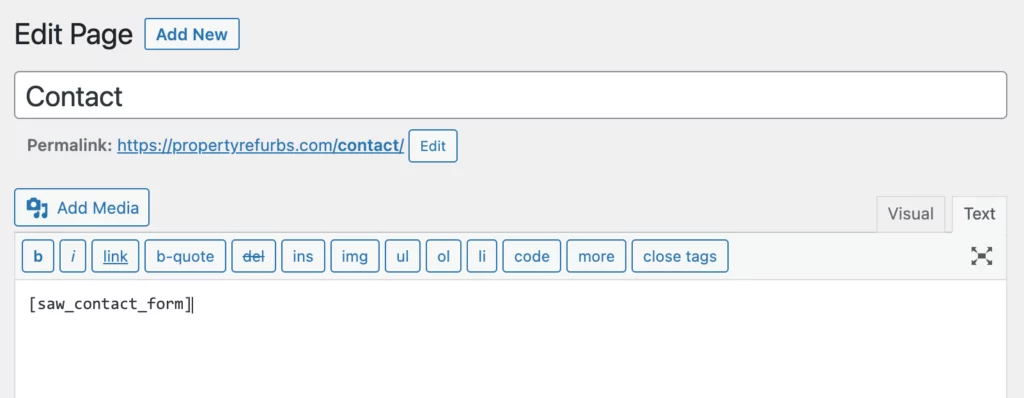
Next step: Add the form to your pages using a shortcode.